Latest
Key points
- 4 new formations unlock step by step as your Town Center Level rises.
- The Fishing Tournament gets a Seaweed Guide, a 10x option for Power Cast and Seasonal Missions.
- Hero Recruitment's "Use All" button becomes Multi Recruit, so you choose how many recruits to spend.
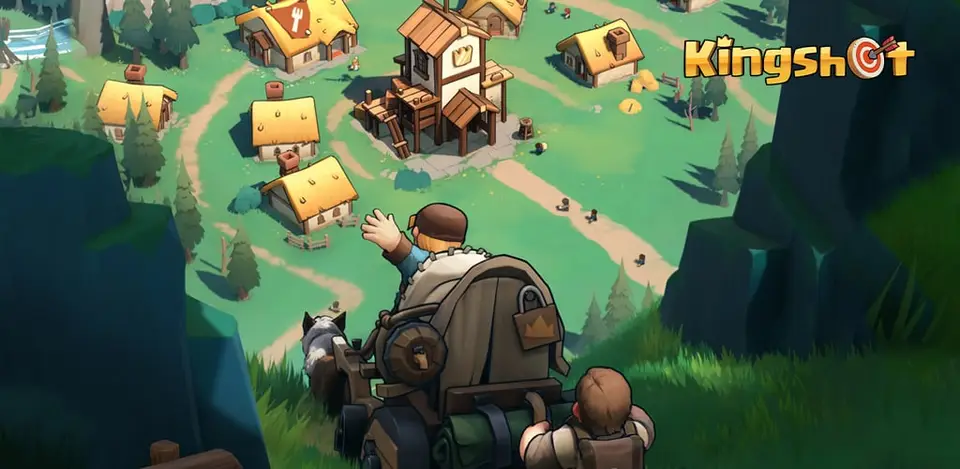
Squads, fishing and recruitment all work a little differently in Kingshot after version 1.14.28, which Century Games released on November 16, 2026. The update makes 14 changes under "Optimizations & Adjustments", and while most are quality-of-life fixes, a handful touch how you fight, fish and recruit.
Four new formations
The update adds 4 formations that unlock progressively based on your Town Center Level. They are there to widen your options for squad strategies.
The Deployment screen also changes: you can now remove the first Hero on its own, which makes it easier to rearrange a squad without clearing it.
Fishing Tournament changes
The Fishing Tournament gets the biggest set of changes:
- Seaweed Guide: a new guide that unlocks automatically once you meet its requirements. Raising your collection progress earns a limited Chat Skin.
- 10x Power Cast: once you reach the specified progress, Power Cast gets a 10x option, and your initial Fishing Kit starts at max level.
- Seasonal Missions: new missions that earn Fishing Points and Island Decorations.
- Claim All: a button to collect rewards in one tap, plus clearer Bait descriptions.
The 10x option is the time saver. Regular fishers should work toward its progress requirement first, since everything after that takes far less tapping.
Hero Recruitment and Alliance tools
In Hero Recruitment, the "Use All" button has been replaced by "Multi Recruit", and you can now pick the number of recruits freely. That removes the risk of spending every recruit you own in one tap when you only wanted a few.
Alliance leaders get several tools:
- Alliance Notice: supports default Chat Emotes, shows the full text more clearly and saves a draft of scheduled notices automatically.
- Alliance Vote: saves drafts, and lets you choose which member ranks can take part in a vote.
- Alliance War: you can turn event Intel reminders on or off, pick the Initiator Level from a list, see the Truegold Level and mute Battle Notification pushes.
- Chat: the "R4 & R5" management channel shows a red dot for unread messages, and a "Jump to Bottom" button appears when you've scrolled up.
Battles and other changes
- Castle Battle: the Turret Details screen gets an "Occupation Details" tab with Alliance Occupation Duration Rankings. This starts with the next Castle Battle event after the update.
- Battlefields: Kingdom Notices, Alliance Notices and Chat broadcasts are muted automatically once you enter Swordland Showdown, Swordland Summit League, Tri-Alliance Clash, Flamedragon Tyrant or Eternity's Reach.
- Combatants List: a "Participants Only" button in Swordland Showdown and Tri-Alliance Clash shows active and substitute members on your side.
- Oasis Island: maxing out the Fountain of Life unlocks new missions in Explore Island, with a new Avatar Frame, Nameplate and Name Card Skin as rewards.
- VIP Page: shows your total login days, with a toggle between consecutive and total days.
- Governor Avatar: you can tap another Governor's avatar to see it in high resolution. If you don't want others to do that with yours, change it under "Settings - Governor Avatar". You have to upload your avatar again after the update for the feature to work.
Sources

That's the whole story. Want more? See the latest news